Apogee
Ride real climbs in a virtual world or follow a structured workout on your indoor trainer.
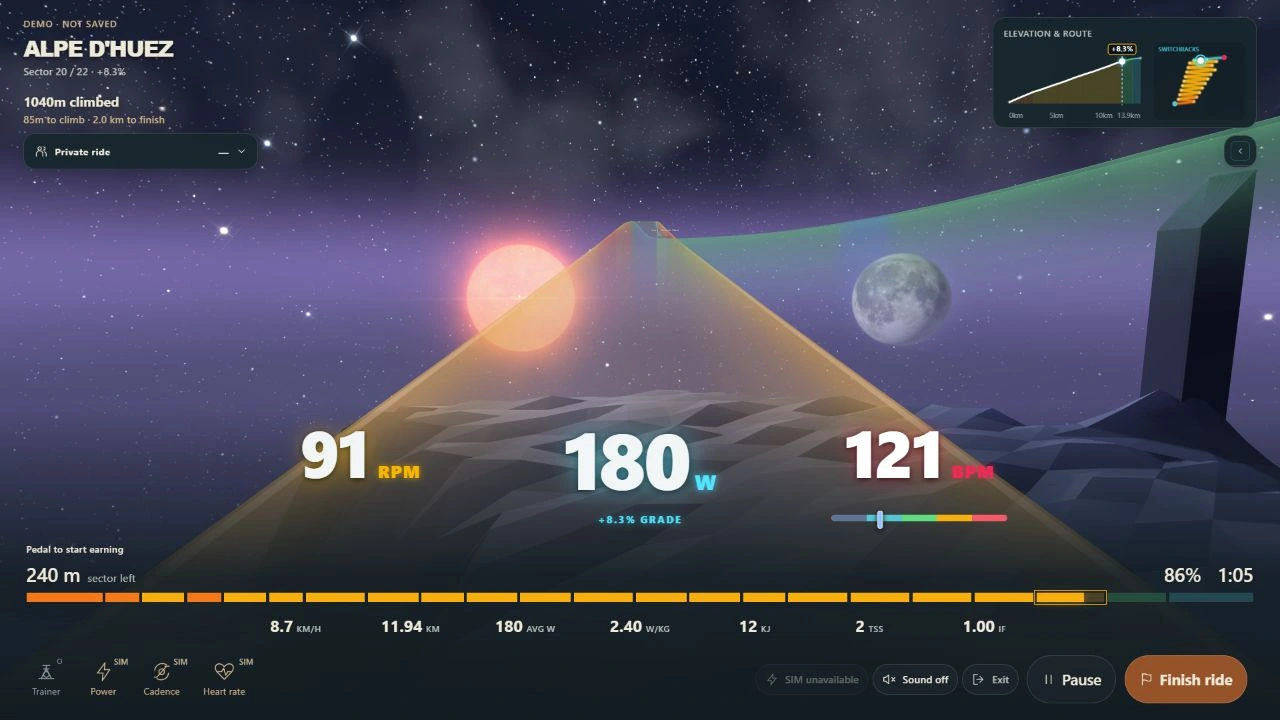
Save a trainer ride
In Apogee, open Profile → Connections, choose Connect passport and approve Save completed rides.
Eligible saved trainer rides are queued when you connect. Start a new trainer ride. Ride to the end or choose Finish ride. Your passport shows the effort you rode, including an early finish.
Open rider passport →Bring a ride file
Export a cycling TCX after a ride in Apogee. In your passport, choose Import a ride and select the file.
Both routes share the start time, duration and available distance and average power. Apogee keeps the workout targets and game score.
See the same ride in Apogee and Open Fitness →
What are BikeControl and OpenBikeControl?
OpenBikeControl is the open protocol for live controller actions such as shifting or pausing. Apogee reads those actions over Bluetooth. A controller that speaks the protocol can send them directly. Protocol specification
BikeControl is an app that can translate a compatible Shimano Di2 paddle press into one of those actions. Pair Di2 with BikeControl, then pair the Bluetooth bridge with Apogee. BikeControl can also run on the same computer and map paddles to keyboard shortcuts. BikeControl’s Di2 guide
After the ride, the Open Fitness standard lets Apogee save the activity to your passport with your permission.